Your camera
can do more.
So can you.
Luma writes camera recipes — the exact in-camera settings that produce a look — for Sony Creative Look, Canon Picture Style and Nikon Picture Control, and for Fujifilm too, with each system’s settings taken from its maker’s own manuals. Show it a photo you love and it drafts the settings to match, or take the fresh one for each system every morning. Twelve are on this page right now, three per system. No account, nothing to install.
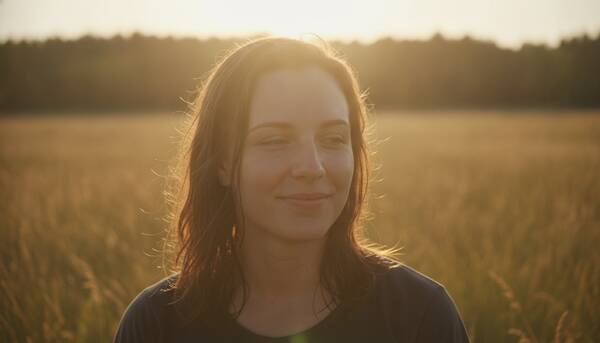
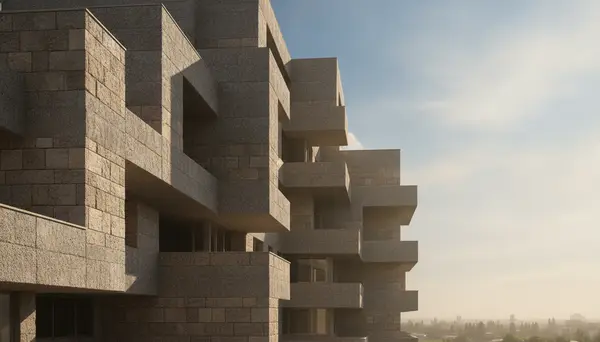
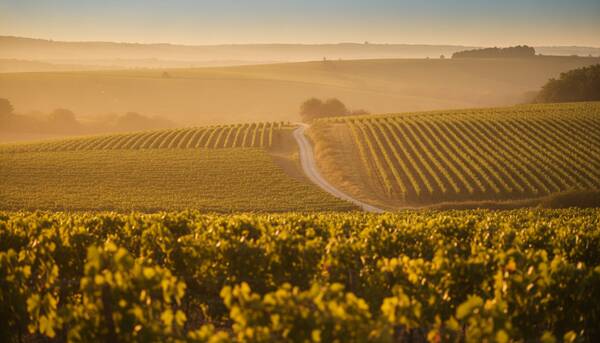
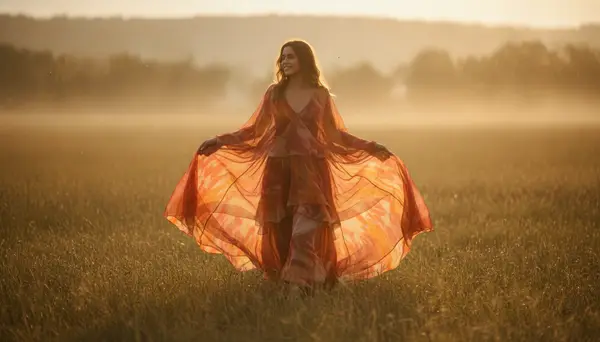
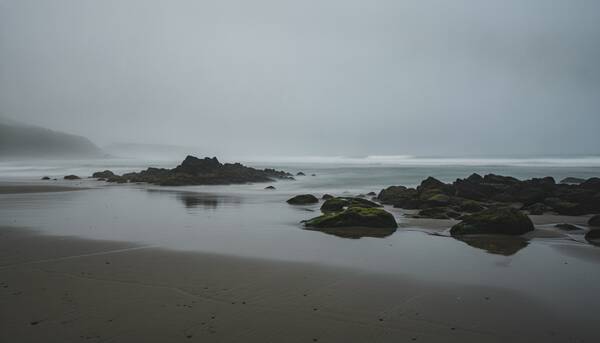
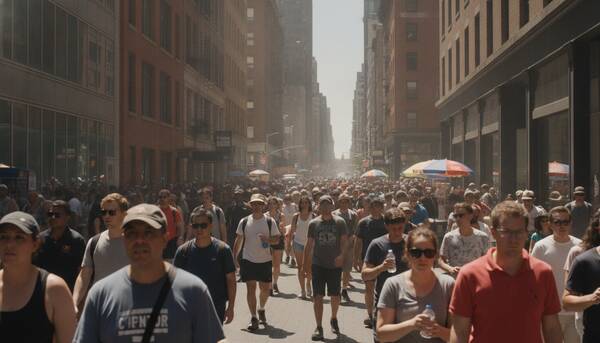
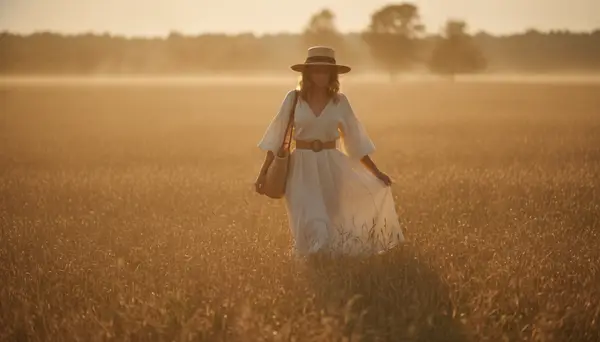
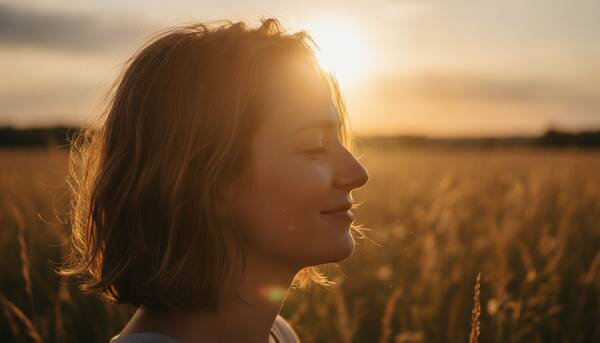
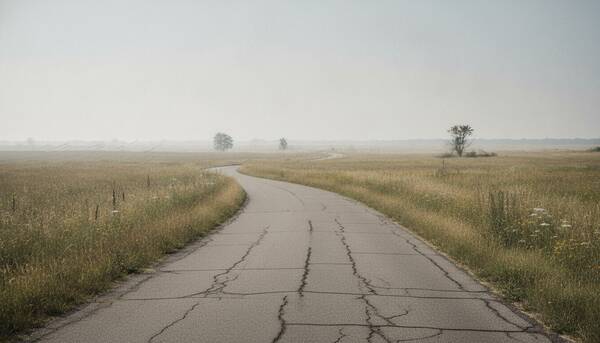
About the image — every picture on this page is an AI-generated reference frame showing the mood the recipe aims for. It was not photographed with these settings. The settings themselves are real Luma output.
Take one.
No account, no catch.
Every one of these is real Luma output, generated on the date stamped on it. Dial the values into your camera and shoot — that is the whole product, working, before you have given us an email address.
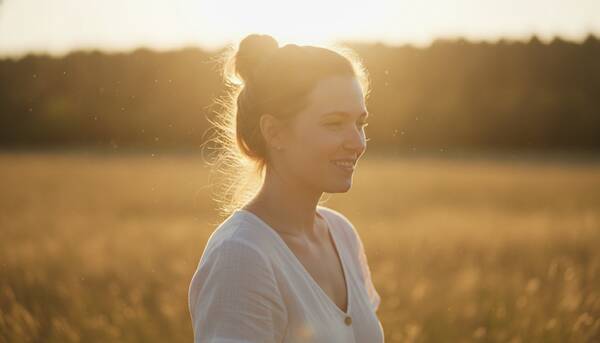
Gilded Skin Late Summer
FL- Creative look
- FL
- White balance
- Shade
- Contrast
- +2
- Fade
- 1
- Saturation
- -1
- Sharpness
- +1
- Color depth
- +2
- ISO
- 100–800
- Exposure comp
- +0.3
Bodies α7 IV, α7R V, α1
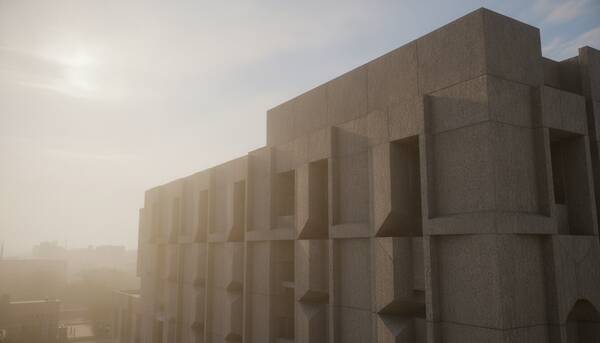
Concrete Haze Meridian
FL- Creative look
- FL
- White balance
- Cloudy
- Contrast
- -2
- Fade
- 2
- Saturation
- -2
- Sharpness
- -1
- Color depth
- -1
- ISO
- 100–400
- Exposure comp
- +0.3
Bodies α7R V, α7R IV, α7 IV
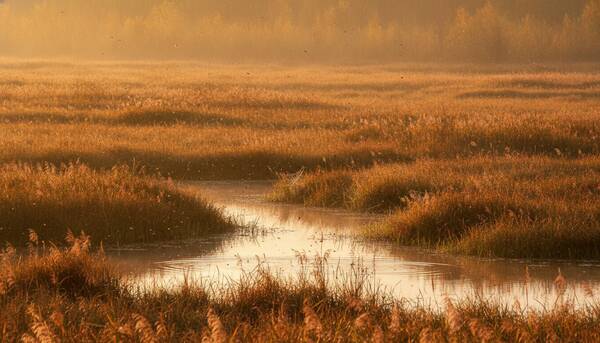
Amber Wetland Stillness
NT- Creative look
- NT
- White balance
- Cloudy
- Contrast
- -1
- Fade
- 1
- Saturation
- -1
- Sharpness
- 0
- Color depth
- -1
- ISO
- 400–1600
- Exposure comp
- +0.3
Bodies α7 IV, α7R V, α7S III
Late Summer Bloom Vogue
Portrait- Picture style
- Portrait
- White balance
- 5600K
- WB shift
- A3, M1
- Contrast
- -2
- Saturation
- 3
- Color tone
- -1
- Sharpness
- 4
- Sharpness fineness
- 3
- Sharpness threshold
- 2
- Clarity
- 0
- ISO
- 100–400
- Exposure comp
- +0.7
Bodies EOS R5, EOS R5 Mark II, EOS R6
Late Summer Skin Glow
Portrait- Picture style
- Portrait
- White balance
- Shade
- Contrast
- +3
- Saturation
- +1
- Color tone
- -2
- Sharpness
- 3
- ISO
- 100–400
- Exposure comp
- +0.7
Bodies EOS R5, EOS R5 Mark II, EOS R6 Mark II
Faded Summer Kodachrome
Faithful- Picture style
- Faithful
- White balance
- Cloudy
- Contrast
- -2
- Saturation
- +2
- Color tone
- +2
- Sharpness
- 3
- ISO
- 100–400
- Exposure comp
- +0.7
Bodies EOS R5, EOS R6 Mark II, EOS R8
Haze Bloom Fashion Heat
Rich Tone Portrait- Picture control
- Rich Tone Portrait
- White balance
- 5600K
- WB shift
- A3, M1
- Contrast
- -1.00
- Brightness
- +0.25
- Saturation
- +1.75
- Hue
- -0.25
- Clarity
- -0.75
- Sharpening
- +1.50
- Mid-range sharpening
- +0.50
- ISO
- 64-400
- Exposure comp
- +0.3
Bodies Z9, Z8, Z6 III
Concrete Haze Solstice
Flat- Picture control
- Flat
- White balance
- 5900K
- WB shift
- A3, M1
- Contrast
- -1.50
- Brightness
- +0.25
- Saturation
- -1.25
- Hue
- +0.50
- Clarity
- -1.25
- Sharpening
- +1.50
- Mid-range sharpening
- -0.50
- ISO
- 64–400
- Exposure comp
- +0.3
Bodies Z9, Z8, Z7 II
Heatwave Dispatch Noon
Neutral- Picture control
- Neutral
- White balance
- Daylight
- Contrast
- +2.00
- Brightness
- -0.5
- Saturation
- +1.00
- Hue
- +0.50
- Clarity
- +2.50
- Sharpening
- 3.00
- ISO
- 400–800
- Exposure comp
- -0.3
Bodies Z9, Z8, Z6 III
Late Summer Skin Glow
Astia- Film simulation
- Astia
- Dynamic range
- DR200
- White balance
- Shade
- Highlights
- -1
- Shadows
- +1
- Color
- +2
- Sharpness
- -1
- Noise reduction
- -2
- Grain effect
- Weak
- Color chrome
- Weak
- Chrome FX blue
- Off
- ISO
- 160–800
- Exposure comp
- +0.7
Bodies X-T5, X-T4, X-H2
Silver Tide Stillness
Acros- Film simulation
- Acros
- Dynamic range
- DR200
- White balance
- Shade
- Highlights
- -2
- Shadows
- -1
- Color
- 0
- Sharpness
- 0
- Noise reduction
- -2
- Grain effect
- Weak
- Color chrome
- Off
- Chrome FX blue
- Off
- ISO
- 400–1600
- Exposure comp
- +0.3
Bodies X-T5, X-T4, X-Pro3
Haze Dream Sequence
Eterna- Film simulation
- Eterna
- Dynamic range
- DR200
- White balance
- Shade
- Highlights
- -2
- Shadows
- +1
- Color
- -1
- Sharpness
- -2
- Noise reduction
- -2
- Grain effect
- Weak
- Color chrome
- Weak
- Chrome FX blue
- Off
- ISO
- 800
- Exposure comp
- +0.7
Bodies X-T5, X-H2S, X-S10
Every image here is an AI reference frame. Luma generates it alongside the recipe to show the mood being aimed at. No photograph on this page was taken with the settings printed next to it, and none is a sample of what your camera will produce. The dial values are the real thing.
Showing Sony (Alpha). Each recipe was produced from that morning’s season, light and conditions — no hand-tuning, no stock list. Values are in-camera settings; results vary with your body, lens and scene.
In-camera recipes and
the tools to shoot them.
Luma is a recipe library and a small tool bench for photographers who finish the picture in the camera. Save the exact settings that produce a look, meter the light, read a frame’s EXIF, keep a shooting journal, and get a new recipe for your system every morning.
Every recipe, tool and note is practical and specific: the dial, the value, the light it suits. Free of hype, in the app and on this page.
The app is organised around the recipe you saved and the shot you got right. The community feed is one section, with likes and follows, and you can ignore it entirely.
A recipe page shows the recipe. The meter meters. The design is quiet and mostly type, so the photograph is the loudest thing on screen.
A recipe library, Lab tools,
an AI Hub and a community.
Five parts: the recipe library you build, the Lab’s four instruments, the AI Hub’s five tools, the community feed, and the camera systems each of them supports today.
Save recipes with every
dial and the light they suit.
Each recipe stores the whole menu — film simulation, white balance, tones, grain — plus the place and light it was made for, so you can set the body from the page.
Read EXIF, scan a recipe QR,
track firmware.
The Lab is a bench of three working tools: an EXIF reader for any frame, a QR scanner that opens a shared recipe, and a firmware tracker for the cameras in My Gear, on all four brands.
Write a recipe from a brief,
critique a photo, preview a look.
The AI Hub turns a written brief into a recipe, a photograph into a critique, and a film simulation into a live preview. Every output lists the inputs it was made from.
Post your photos with
the recipe behind them.
Every post carries the settings it was shot with. Comment, like, and follow other photographers shooting the same gear.
Sony, Canon,
Nikon and Fujifilm.
Sony Alpha Creative Looks, Canon EOS R Picture Styles, Nikon Z Picture Controls, and Fujifilm X-Series and GFX film simulations. Each brand gets its own camera settings, checked against the maker’s manuals, its own camera list, and firmware tracking for the bodies you own.
A new recipe for every brand, every morning.
Nothing here is retired. Every card opens its own page with the full settings, free to read. Hover a column to stop it, or drag it to look back.
Start free,
upgrade when it counts.
Every plan keeps your recipes and gear. Paid tiers add more AI credits, more custom recipes and unlimited journal history. Pro Plus adds unlimited recipes and publishing to Community, and the annual cycles cost less than twelve months.
Free Plan
5 AI credits / month
- —3 custom recipes
- —7 days of journal history
- —All AI tools included
Pro Monthly
150 AI credits / month
- —Everything in Free
- —50 custom recipes
- —Unlimited journal history
Pro Annual
2,000 AI credits / year
- —Everything in Pro
- —Annual billing — save vs monthly
- —Bigger credit pool than monthly
Pro Plus Monthly
300 AI credits / month
- —Unlimited custom recipes
- —Publish recipes to Community
- —Everything in Pro
Pro Plus Annual
5,000 AI credits / year
- —Everything in Pro Plus
- —Annual billing — save vs monthly
- —Bigger credit pool than monthly
Prices shown in USD. Taxes are calculated at checkout by Polar, our merchant of record, based on your location. The exact total is always shown before you confirm.
light to arrive.


 CRAFTEDPXL · 2026